In a lot of teams the objection to AI-generated commit messages is that the diff has to go somewhere. Client code, unreleased features, credentials that should not be in the repository but are: none of that should be posted to a third-party API to save typing a sentence. A local model removes the objection. The diff goes to a process on your own machine, the message comes back, and nothing crosses the network.
This guide sets that up with Ollama, the most common way to run open-weight models locally, and GitMind in a VS Code-compatible editor. LM Studio works the same way and is covered at the end.
Why a small local model is enough
Commit-message generation is a narrow task: read a bounded diff, summarise it in the imperative, optionally add a short body. It does not need frontier-scale reasoning. Models in the 3 to 8 billion parameter range (Qwen 2.5 Coder, Llama 3.x, Phi-4, Gemma) produce good messages, run on a laptop with 8 to 16 GB of RAM, and return in a few seconds. The trade-off against a cloud model is modest for this task and often invisible after you edit the draft.
Choosing a model
A reasonable starting point, by machine:
| Machine | Model to try | Notes |
|---|---|---|
| 8 GB RAM, no GPU | qwen2.5-coder:3b or phi4-mini | Fast, fits in memory alongside the editor; keep diffs small. |
| 16 GB RAM or Apple Silicon | qwen2.5-coder:7b | The sweet spot for commit messages; a few seconds per generation. |
| Discrete GPU with 12 GB+ VRAM | qwen2.5-coder:14b or llama3.1:8b | Noticeably better bodies on larger diffs; still local. |
You can switch models at any time; GitMind lists whatever Ollama has pulled. Start small and move up only if the drafts need too much editing.
Step 1: Install Ollama and pull a model
Install from ollama.com/download (macOS, Windows, Linux), or on macOS with Homebrew:
brew install ollama
ollama serve
Then pull a model. A code-tuned model is a good first choice:
ollama pull qwen2.5-coder:7bIf memory is tight, qwen2.5-coder:3b or phi4-mini are smaller and still capable. Confirm the server is up:
curl http://localhost:11434/api/tagsYou should get JSON listing the models you have pulled. Ollama listens on localhost:11434 by default and does not accept connections from other machines unless you configure it to.
Step 2: Point GitMind at Ollama
Install GitMind if you have not (code --install-extension ShahabBahreiniJangjoo.ai-commit-assistant; the editor setup guide covers Cursor, Windsurf and the others). Then either choose Ollama in the onboarding view (GitMind: Open Onboarding from the Command Palette) or set it directly in settings.json:
{
  "aiCommitAssistant.apiProvider": "ollama",
  "aiCommitAssistant.ollama.url": "http://localhost:11434",
  "aiCommitAssistant.ollama.model": "qwen2.5-coder:7b"
}
GitMind queries the Ollama server for the models you have pulled, so the model picker shows what is actually available rather than a static list. No API key is involved. GitMind: Check API Setup confirms the connection.
Step 3: Generate a commit
- Stage your changes.
- Press
Ctrl+Alt+G, click the GitMind icon in the Source Control title bar, or run GitMind: Generate AI Commit Message. - The first generation after a cold start takes longer while Ollama loads the model into memory; subsequent ones are fast. Ollama keeps the model loaded for a few minutes of inactivity.
- Review the draft, edit, commit.
Everything in that loop (the diff, the prompt, the generated text) stays between the editor and the Ollama process on localhost. You can verify it yourself: disconnect from the network and generate again.
Getting better messages from a local model
- Stage smaller diffs. Small models degrade faster than large ones on long inputs. One logical change per commit is good practice anyway; with a local model it is also the biggest quality lever.
- Prefer code-tuned models.
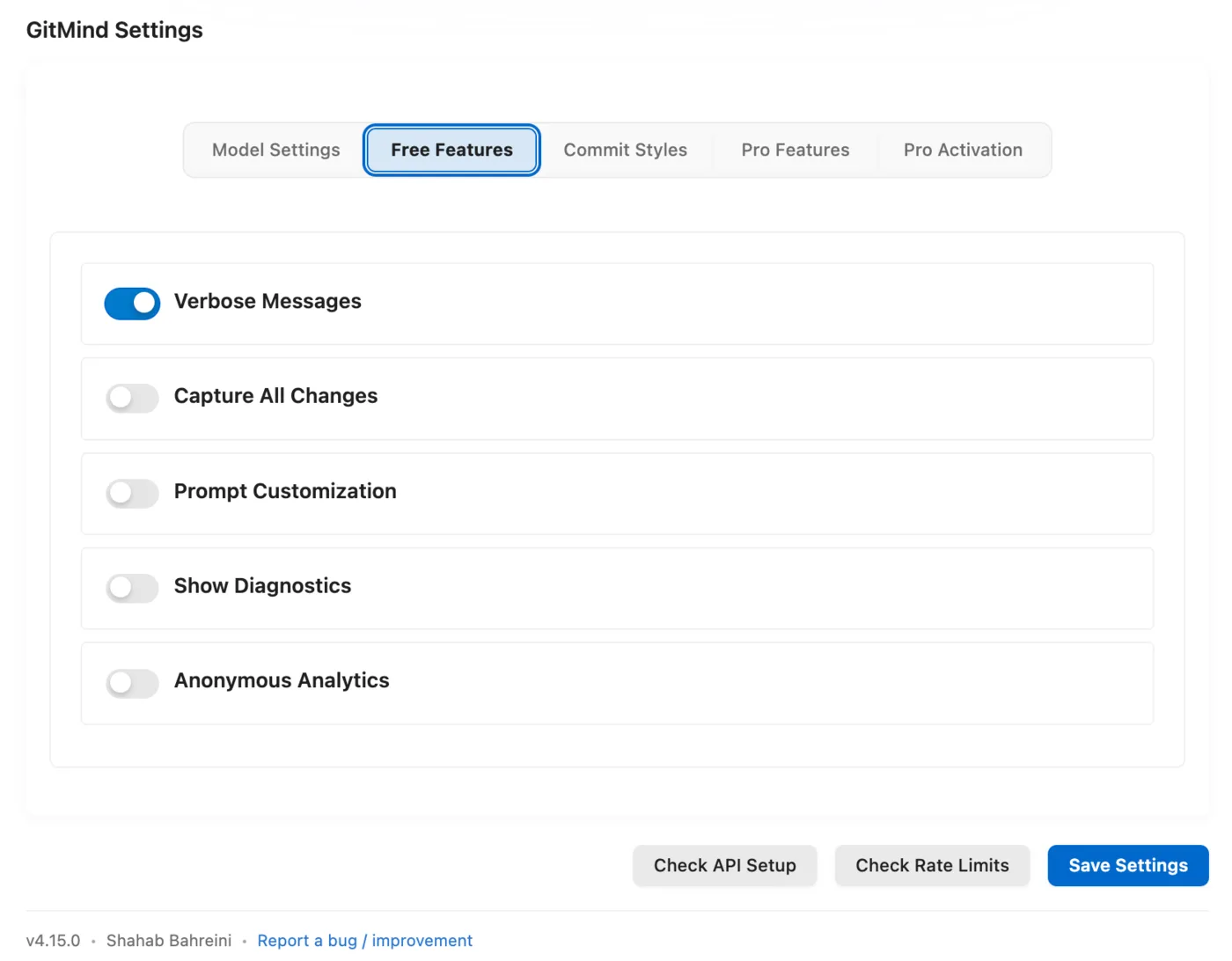
qwen2.5-coderand similar are trained on diffs and code and produce more precise subjects than general chat models of the same size. - Choose a convention. A fixed structure such as Conventional Commits gives a small model less room to wander. The basic style is free; Conventional Commits, Gitmoji and the other professional styles are part of GitMind Pro.
- Keep the review step. The model does not know the ticket number or the constraint you worked around. Add that line; it is the part a future reader needs most.
Using LM Studio instead
LM Studio gives you a desktop UI for downloading and running the same kind of models and exposes an OpenAI-compatible local server (default http://localhost:1234). Start the server from the Developer tab, select LM Studio as the provider in GitMind, and pick the loaded model. The workflow is otherwise identical.
Common problems
| Symptom | Likely cause |
|---|---|
| Connection refused | Ollama is not running. ollama serve, or launch the desktop app. |
| Model not found | The model in settings has not been pulled. ollama list shows what you have. |
| Very slow first response | Cold start while the model loads. Normal; the second call is fast. |
| Out-of-memory / crash | Model too large for the machine. Pull a smaller tag (:3b). |
| Rambling or off-topic message | Diff too large, or a general chat model. Stage less; try a code-tuned model. |
Doing this with GitMind
Ollama and LM Studio are built-in, free providers in GitMind — no license needed for local generation, and the extension never routes your diff through any server of its own. The one-time Pro license adds the professional commit styles, repository-history learning, and automatic fallback so a local model can hand off to a second provider when it is unavailable. Details on the features page; how GitMind treats your code is in the privacy policy.